Guide
The Agent Loop: How Agentic Loops Work and How They Go Wrong
Every AI agent is the same few lines of control flow: call the model, run the tools it asks for, feed the results back, repeat. Almost everything that goes wrong with agents goes wrong inside that loop.
By Token Spiral · Updated
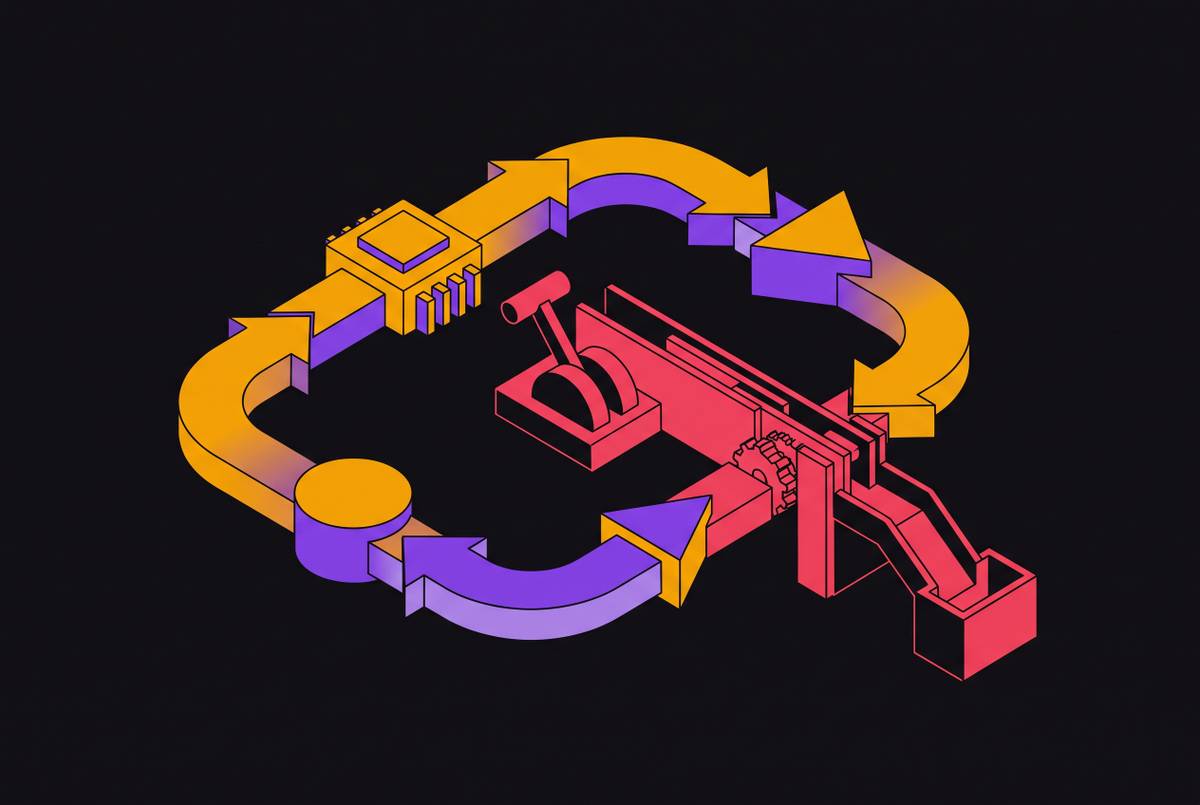
An agent loop (also called an agentic loop) is the control flow that turns a language model into an agent. Instead of answering once, the model is called again and again: it decides on an action, usually a tool call, your code runs that action, the result is added to the conversation, and the model is called again with everything so far. The loop ends when the model gives a final answer, or when something outside the model stops it.
That is the whole mechanism. Planning, tool use, memory and multi-agent handoffs are all built on top of it. So are the failures this site writes about: runs that repeat the same call, runs that drift off task, and runs that end cleanly with a wrong answer.
The loop, step by step
A single run of a tool-using agent goes like this:
- Build the input. The system prompt, the tool definitions, the user's request, and the full history of the run so far.
- Call the model. It returns either a final answer, one or more tool calls, or both.
- Check for an exit. If there are no tool calls and the output is the answer you asked for, the run is done.
- Run the tools. Your code executes each requested call: a search, a database query, a file edit, an API request.
- Append the results. The model's tool calls and the tool results go into the history.
- Check the limits. Steps taken, tokens spent, time elapsed. If any is over its limit, stop.
- Go back to step 1.
In code, stripped of every framework, it is this:
history = [system_prompt, user_request]
for step in range(MAX_STEPS):
    reply = model.call(history, tools=tools)
    history.append(reply)
    if not reply.tool_calls:
        return reply.text          # the model says it is done
    for call in reply.tool_calls:
        result = run_tool(call)    # your code, not the model's
        history.append(result)
raise StepLimitReached()           # the loop says it is done
Two things in those few lines explain most of how agents behave. First, the model decides when to stop: the loop only ends on its own when the model stops asking for tools. Second, the history only grows: every step re-sends everything before it, which is why an agent's cost grows faster than its step count.
How the main frameworks run the loop
Each agent framework ships its own version of this loop, with its own name for the step limit and its own way of reporting that the limit was hit. Defaults change between releases, so check the documentation for the version you run.
| Framework | Where the loop lives | Step limit | When the limit is hit |
|---|---|---|---|
| OpenAI Agents SDK | Runner.run, run_sync, run_streamed |
max_turns |
Raises MaxTurnsExceeded, or returns what an error_handlers entry for "max_turns" gives back |
| LangGraph | A graph with a cycle between the model node and the tool node | recursion_limit in the run config |
Raises GraphRecursionError |
| Vercel AI SDK | ToolLoopAgent, generateText, streamText |
A stopWhen condition such as a step count |
Stops and reports why on the result's stoppedBy |
| Claude Agent SDK | query() and ClaudeSDKClient |
max_turns (maxTurns in TypeScript), plus max_budget_usd |
Ends with a result message of subtype error_max_turns (or error_max_budget_usd) |
The OpenAI Agents SDK's runner treats output as final when it is text of the expected type with no tool calls; a tool call or a handoff to another agent sends it round again. In LangGraph the loop is explicit: a conditional edge routes back to the tools node while the last message has tool calls, and the recursion limit counts graph steps rather than model calls. The Vercel AI SDK documents a default step limit on ToolLoopAgent and lets you combine several stop conditions, so a run can end on a step count or on a call to a specific "finish" tool, whichever comes first.
How a loop should end
A loop that relies only on the model to stop will eventually meet a task where the model never does. A production loop needs exits that the orchestrator enforces from outside the model:
- Task done. The model returns a final answer, ideally checked against something you can verify (a schema, a test, a lookup) before it is accepted. See grounding checks that catch confident wrong answers.
- Step limit. A hard cap on model calls per run. Set it from the step counts of real runs, above the slowest normal runs, not from a guess.
- Budget limit. A cap on tokens or spend per run, counted as the run goes. See agent spend budgets and per-run cost ceilings.
- No-progress limit. Stop when the last few steps repeat the same tool call with the same arguments, or when nothing in the run's state has changed for several steps.
- Hand-off. Pause for a person before risky actions, or when any of the limits above is reached, instead of failing silently.
What happens at the limit matters as much as the limit. A run that hits its step cap has not succeeded: record it as a distinct outcome, not as a completed run and not as a generic error. Designing stopping conditions for autonomous agent loops covers why the model's own "I'm done" is not enough on its own.
How agent loops go wrong
Most agent failures never raise an exception. Every model call returns, every tool call returns a success code, and the run still fails. The common patterns:
- Exact repetition. The same tool, called with the same or nearly the same arguments, step after step, usually because a failed call came back looking like a normal result and the model has no signal that it did not work.
- Context rot. The run keeps making new calls that look like progress, but the growing history buries the details the model needs, and the task gets no closer to done.
- Goal drift. The agent quietly changes what it is trying to do and keeps working on the new goal.
- Premature exit. The model declares the task finished when it is not, and the loop ends cleanly with a wrong or partial answer.
- Error amplification. A bad tool result early in the run becomes a premise for every later step. See tool call amplification in agentic pipelines.
The first three are told apart, with their detection signals and fixes, in retry loop taxonomies in production AI agents. Why they look healthy on a dashboard is in spin loops and replay cycles and silent infinite loops vs. visible agent crashes.
What a loop costs
Each pass through the loop is a billed model call that re-sends the whole history, so total input tokens grow roughly with the square of the number of steps. A run that loops twice as long as normal costs well over twice as much. The AI agent cost guide walks through the math and where to check current model prices; quadratic token cost growth in multi-step agent runs goes deeper.
How to watch an agent loop in production
Request-level monitoring sees each model call as a healthy request. The failures are in the sequence of calls, so record and alert on the run as a whole:
- Trace every step of every run: each model call with its token usage, each tool call with its arguments and result, and why the run ended.
- Track steps and tokens per run as a distribution, and alert on runs far outside the usual range rather than on averages.
- Flag repeated tool calls with near-identical arguments within one run.
- Count limit exits separately from completed runs, and look at the runs behind them.
- Compare behaviour across many runs, not one trace at a time: some failures only show up in the population. See systemic agent degradation signals.
Autonomous agents fail across turns, not within them explains why span-level APM misses these, and production monitoring platforms that catch silent agent failures compares tools that look at runs instead.
Questions people ask
- What is an agent loop?
- The repeated cycle that makes a language model an agent: call the model, run the tool calls it asks for, add the results to the conversation, and call the model again, until it gives a final answer or a limit stops the run. It is also called an agentic loop or a tool loop.
- What is the difference between an agent loop and a workflow?
- In a workflow, your code decides the sequence of steps in advance and the model fills in each one. In an agent loop, the model decides the next step at every turn, including when to stop. Many production systems mix the two: a fixed workflow with an agent loop inside one or more of its steps.
- How do I stop an agent from looping forever?
- Give every run a hard step limit and a token or spend budget enforced by your code, not the model, and stop runs that repeat the same tool call with the same arguments. Treat a run that hits a limit as its own outcome and review it, since it usually points at a tool that fails silently or a task the agent cannot finish.
- How many steps should an agent loop allow?
- There is no single right number. Record the steps per run on real tasks, set the limit above the slowest normal runs, and revisit it when you change the prompt, the tools or the model. Framework defaults are a safety net, not a tuned value.